

Never miss a release
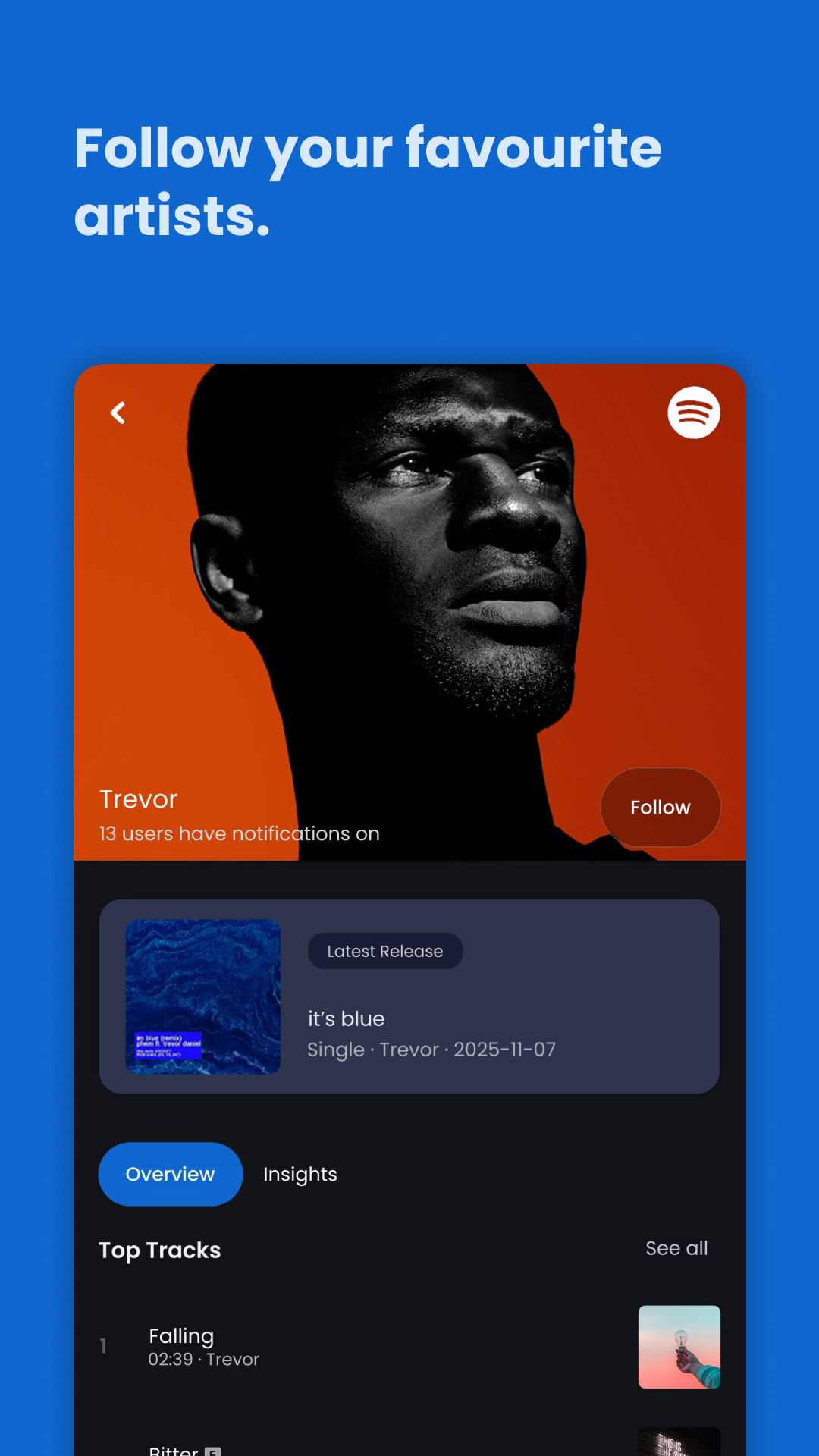
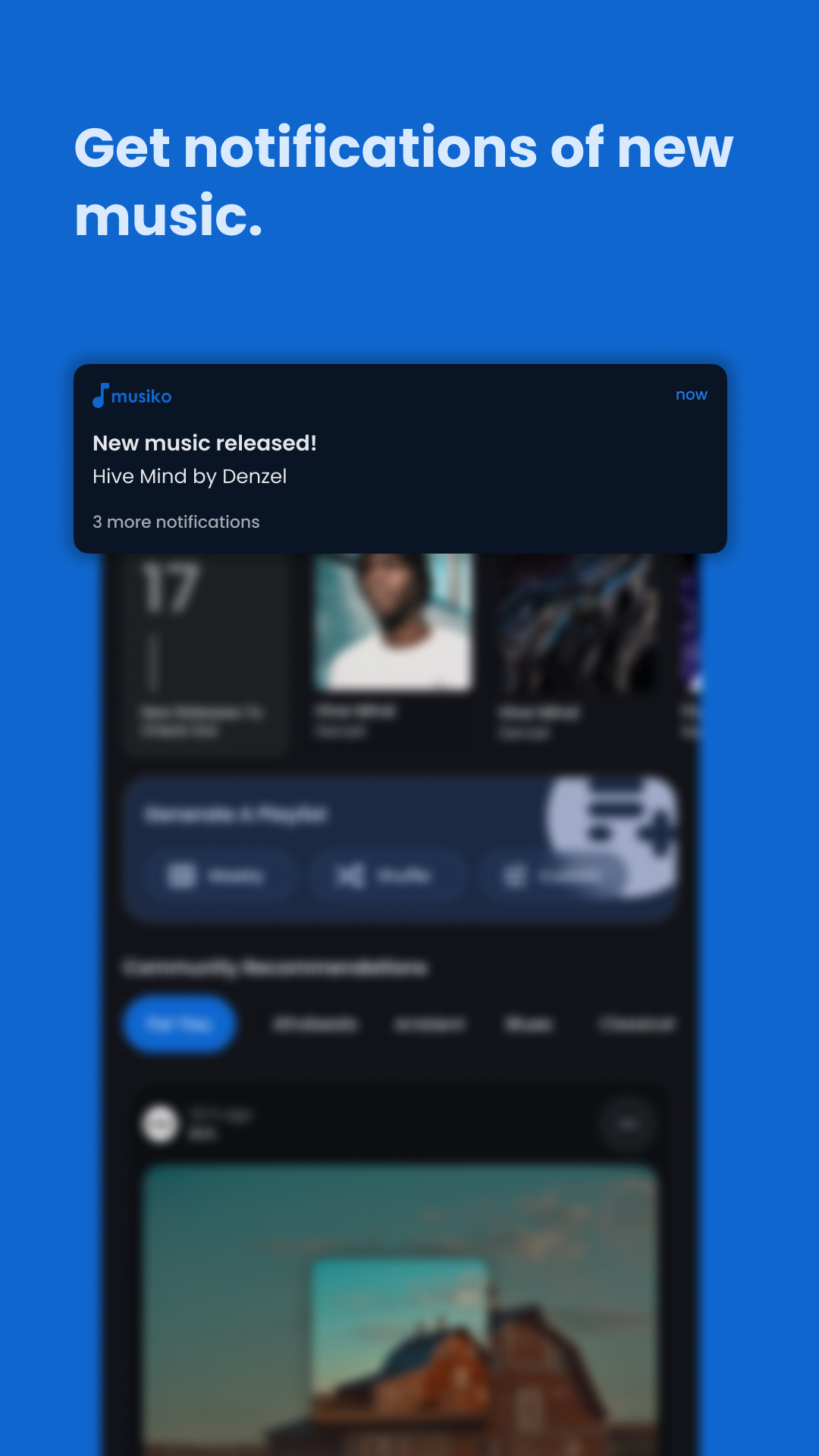
Follow an artist once. Every single, album and feature they appear on arrives as a notification, including the ones credited under a name you would not have thought to search for.
Musiko watches every followed artist in your library and lets you know the moment they drop. When credits roll in, we let you know who made it.





What it does
Streaming apps tell you a song exists. Musiko tells you who wrote it, who played on it, who mixed it, and what else they have worked on.
Follow an artist once. Every single, album and feature they appear on arrives as a notification, including the ones credited under a name you would not have thought to search for.
Producers, engineers, writers, session players and mixers, listed on the track page where the credits belong.
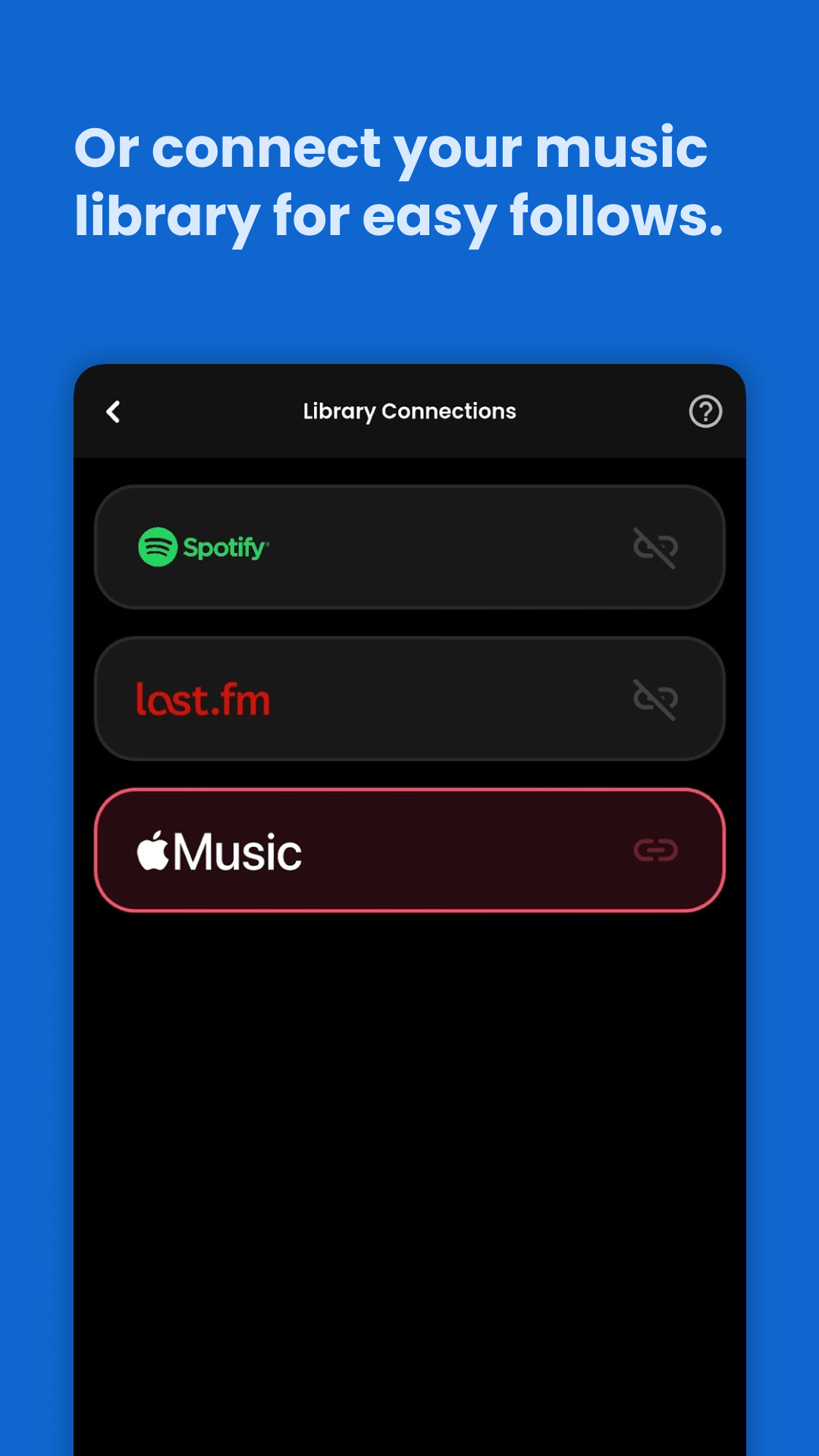
Connect an account and the artists you follow come with you. There is nothing to import by hand.
Every credit is a link. Go from a song you love to the engineer who mixed it, then on to the other records they worked on.
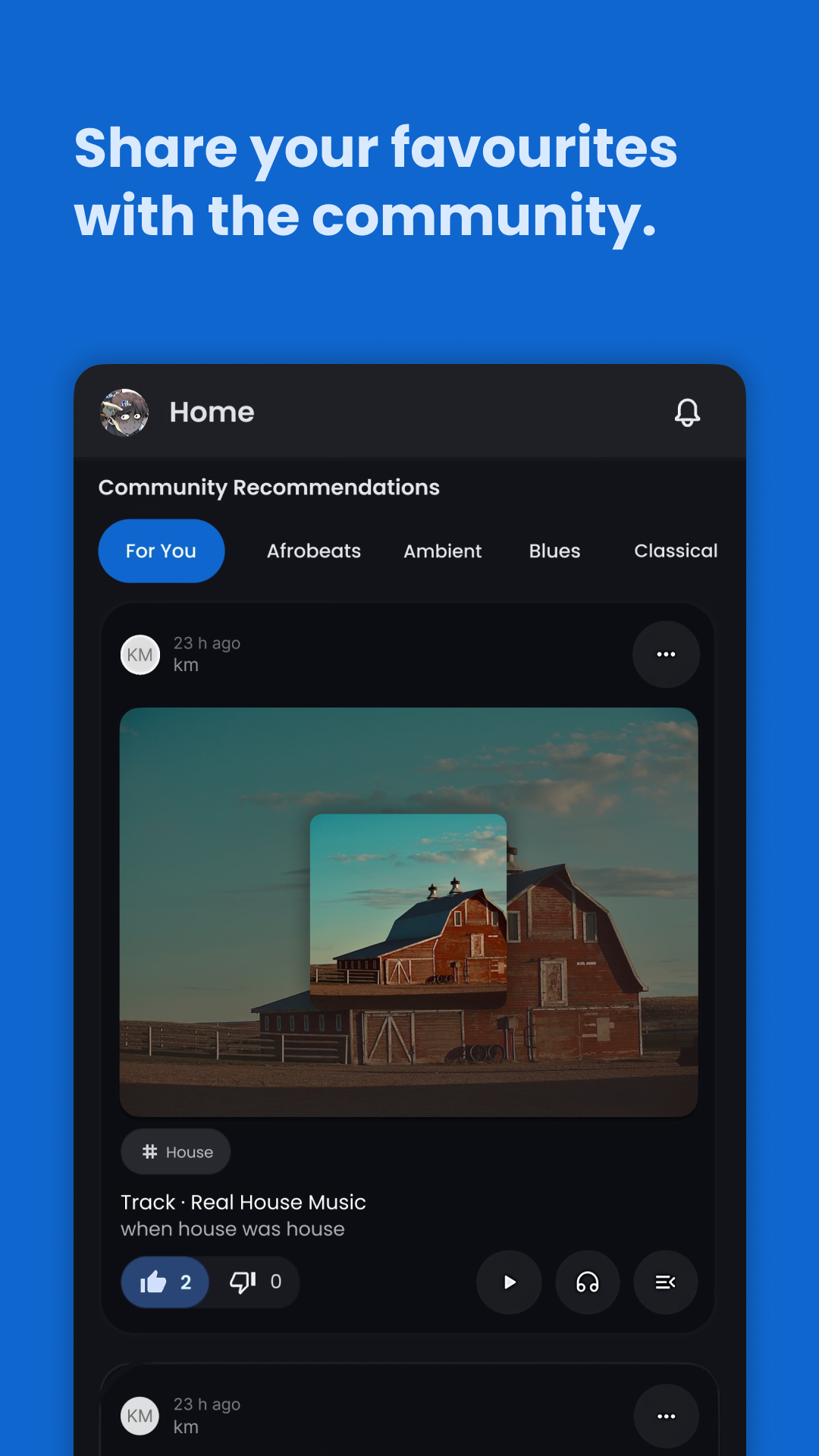
Other listeners post what they think you should hear and write out why. You can judge the argument before you spend time on the song.
The app
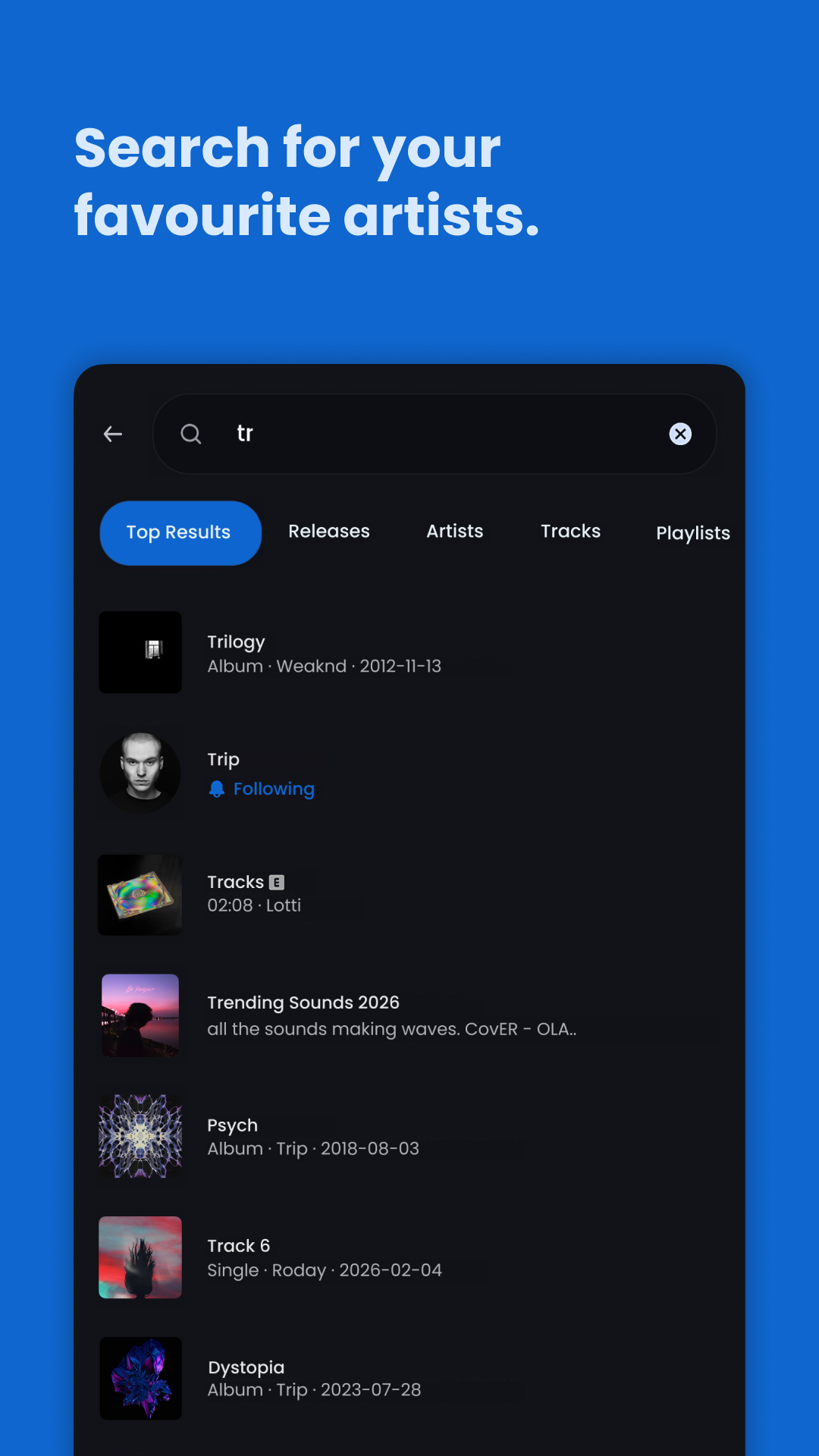
Five screens from the app.
Questions
Support
Bugs, wrong credits, a missing artist, or something that just feels off. Write in and you will get an answer.
musiko.help@gmail.comYou can delete your account and everything attached to it from the app's settings page. You can also email the address above and ask us to do it. Either way the data is gone immediately and permanently.